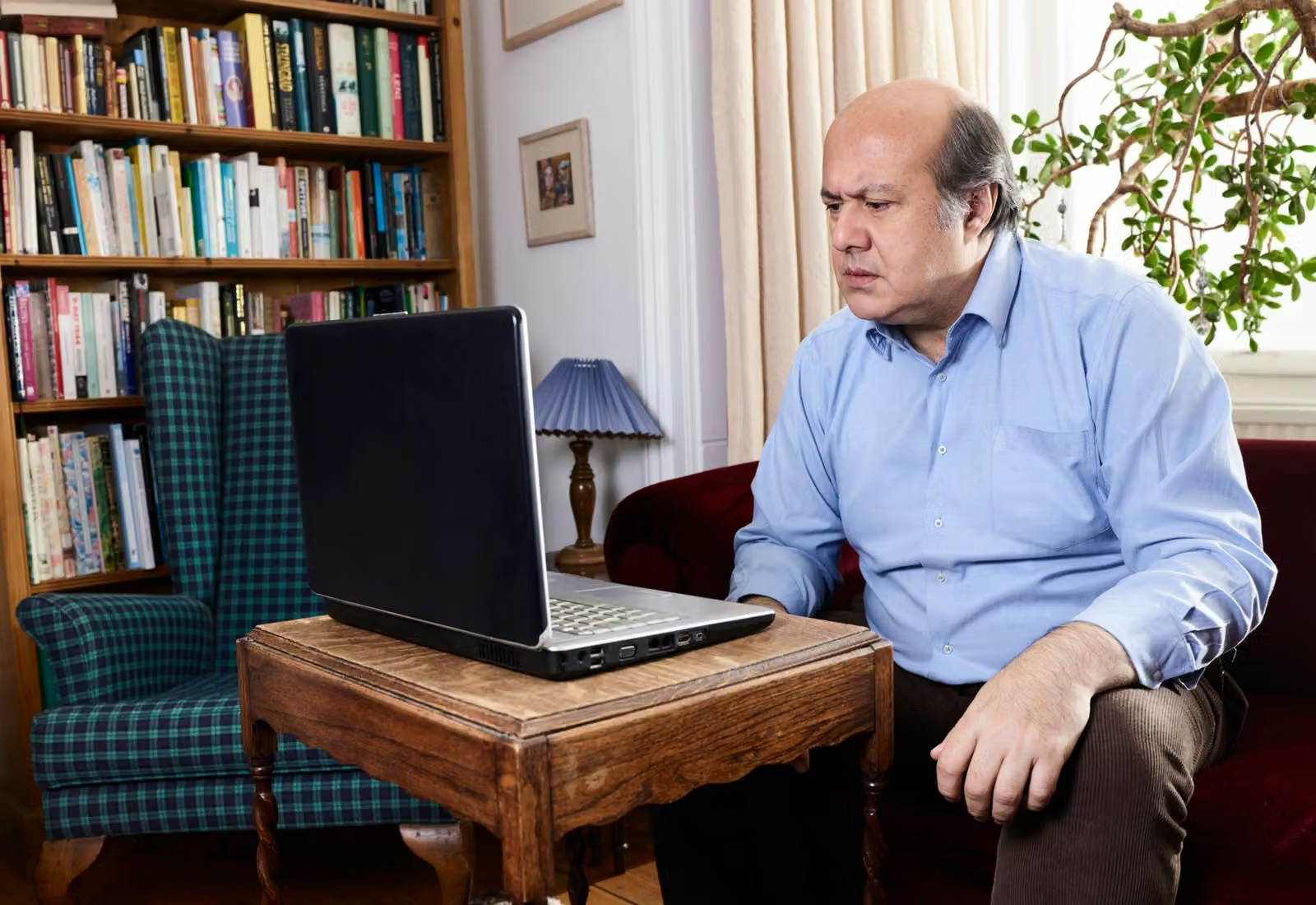
An unfamiliar computer can feel busy even when it is doing very little. Start by reducing that visual noise. Close applications you do not need after saving any work, and practise with one simple document.
Identify the active window
Before typing, notice which window has focus. A click can change where the keyboard sends your text. Move between a writing window and another familiar application, then return deliberately instead of clicking until something happens.
Pause after an action
Computers do not always respond instantly. Give an application time before repeating a click. If a message appears, read what it is asking and whether it refers to saving, deleting or allowing access. These choices have different effects.
Use reversible practice
Try selecting text, copying a line and using Undo in a disposable document. Do not experiment on an important original. Learn how to close the program normally, including what happens when it asks whether you want to keep changes.
Try this yourself
Open a practice note, make one edit, undo it and then save the version you intended.
Check your understanding
Can you explain each change you made, rather than only remembering where you clicked?